
Rollcall for Google Workspace
Admin for Google Workspace, from your Mac's menu bar.
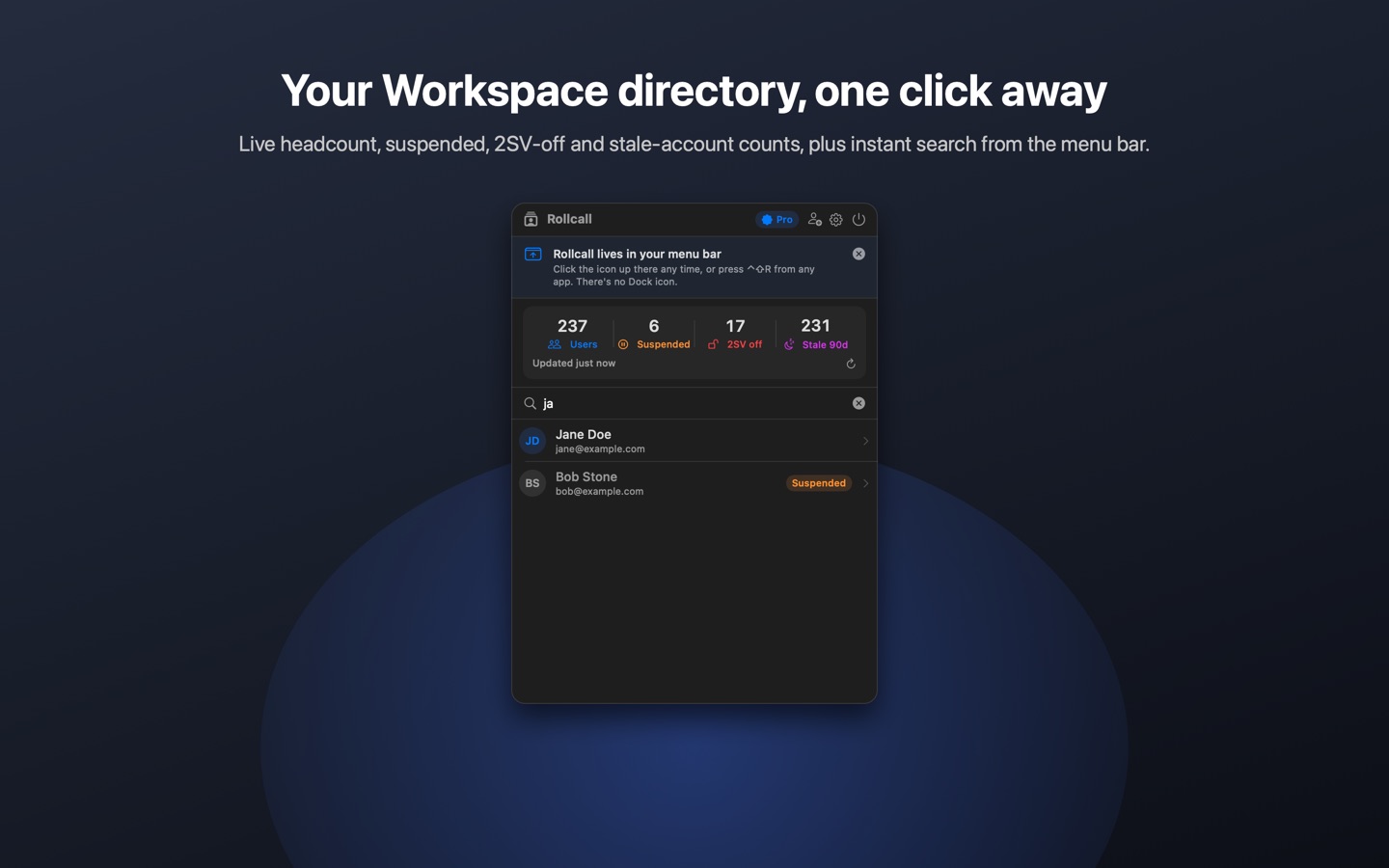
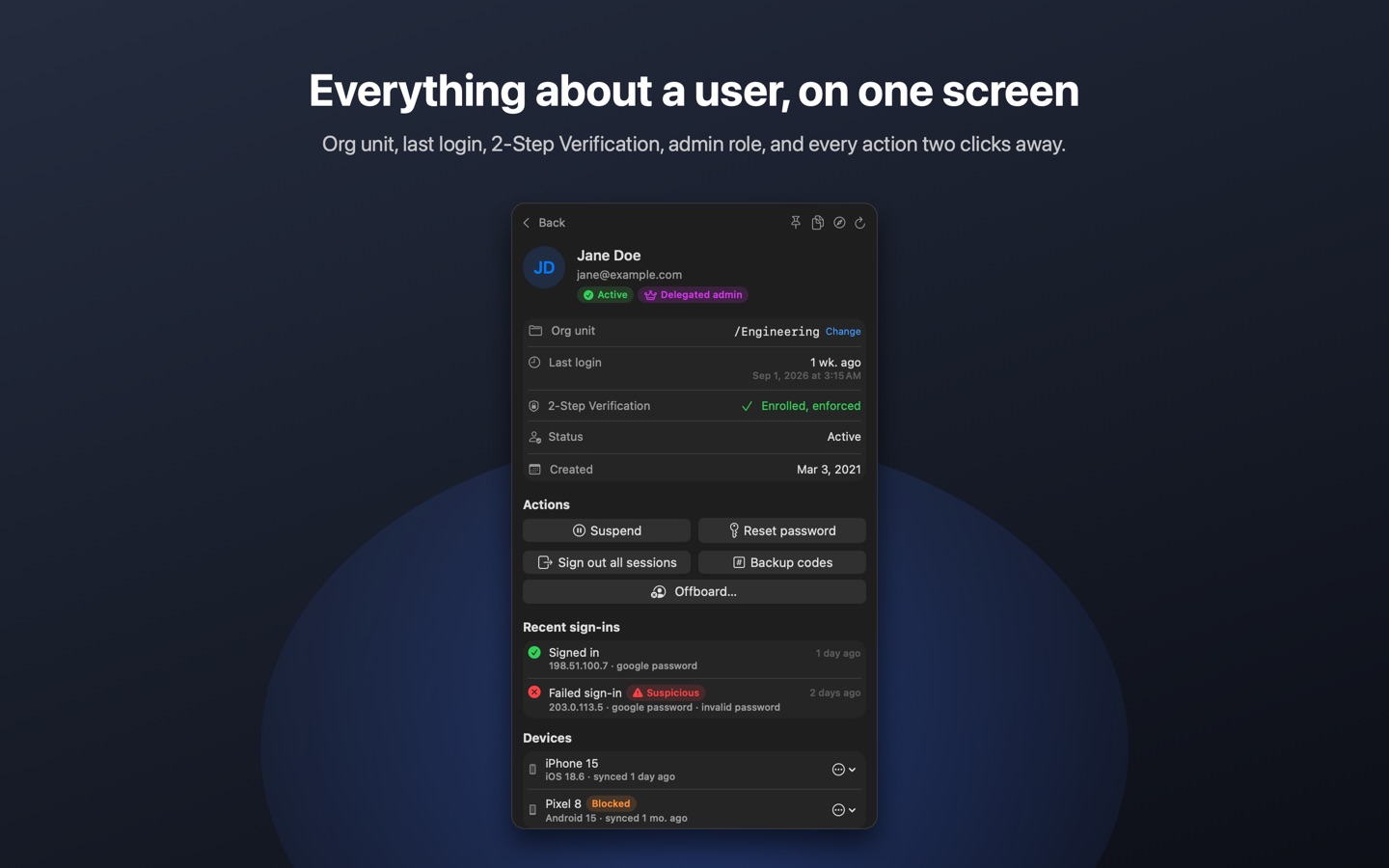
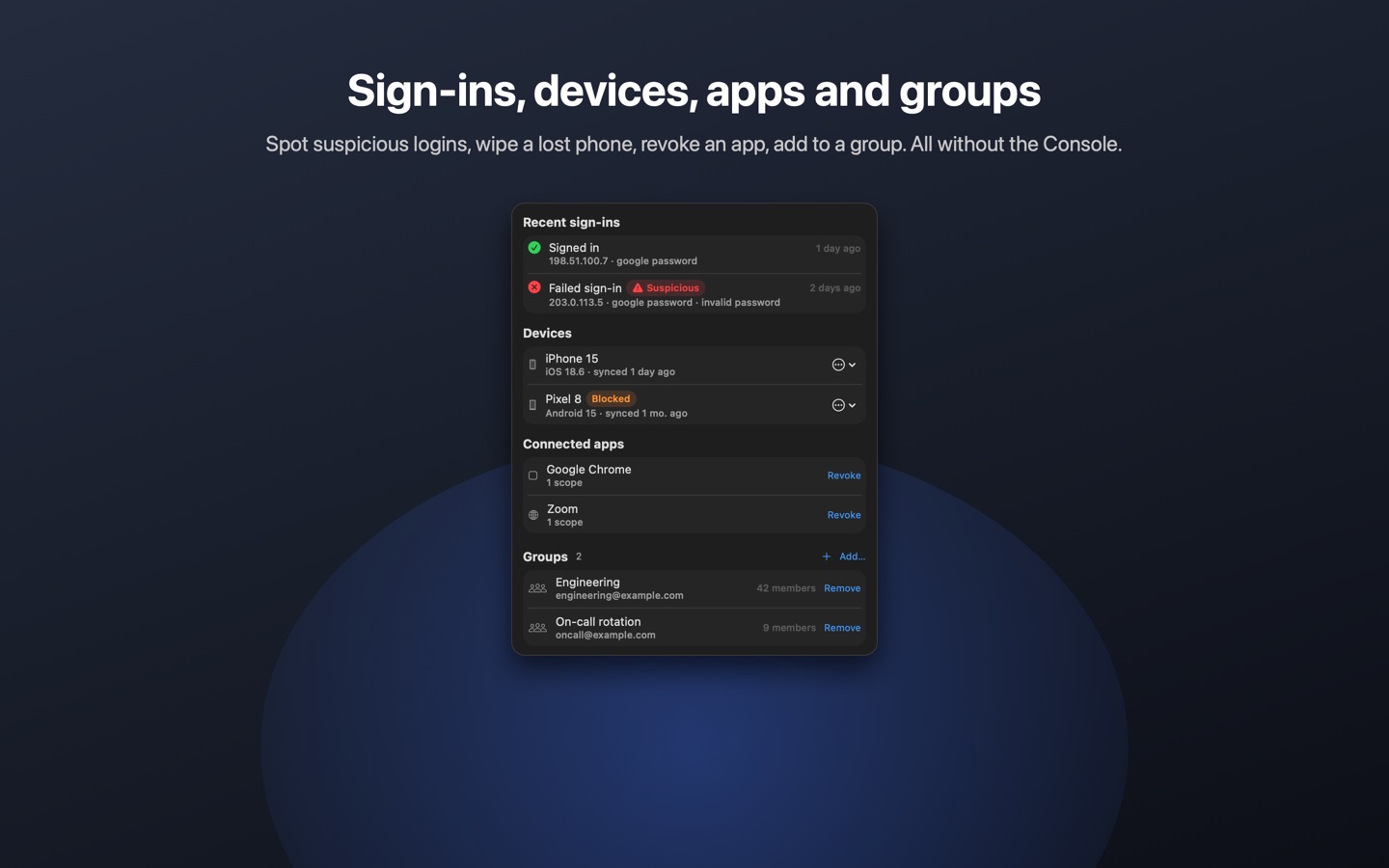
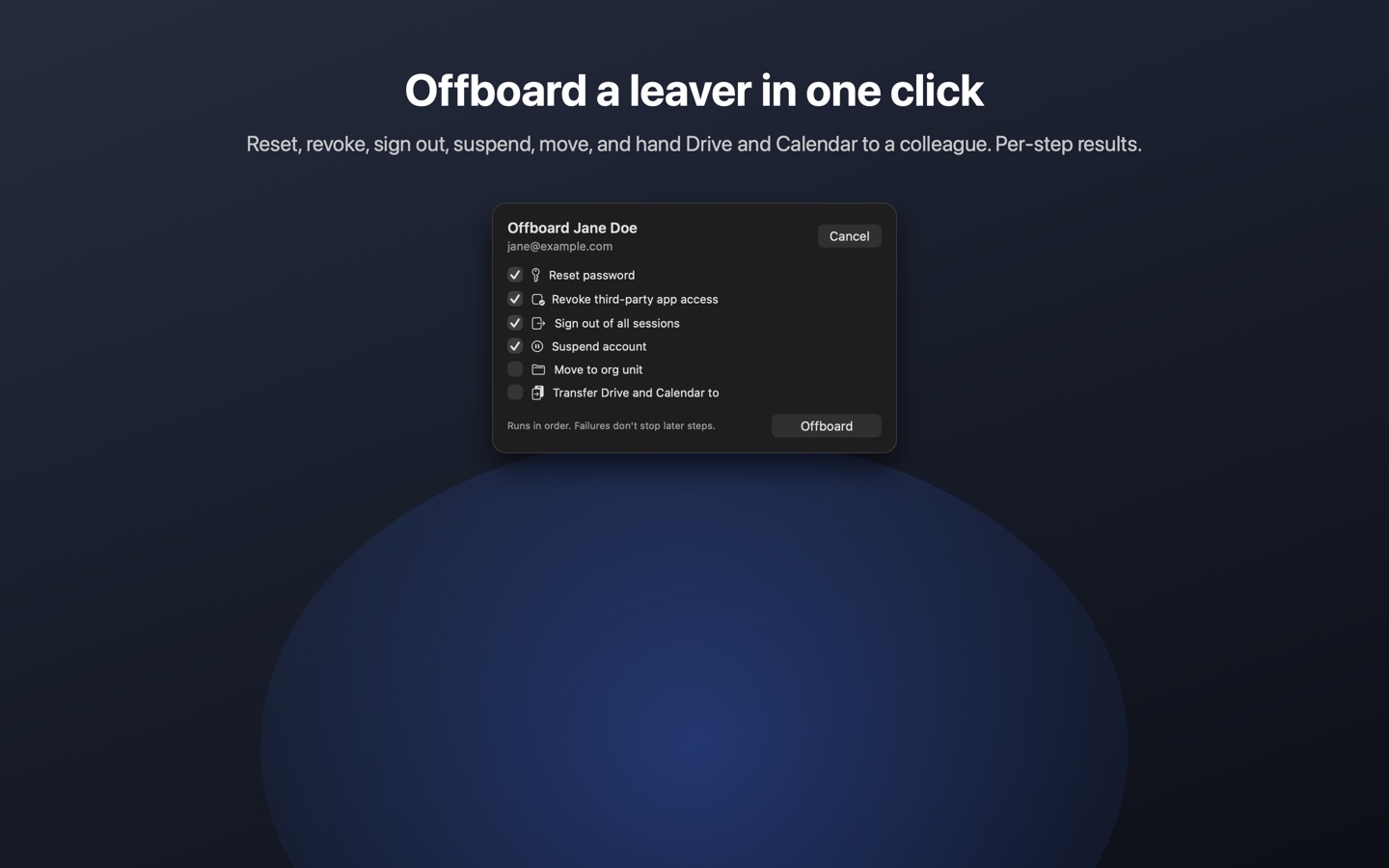
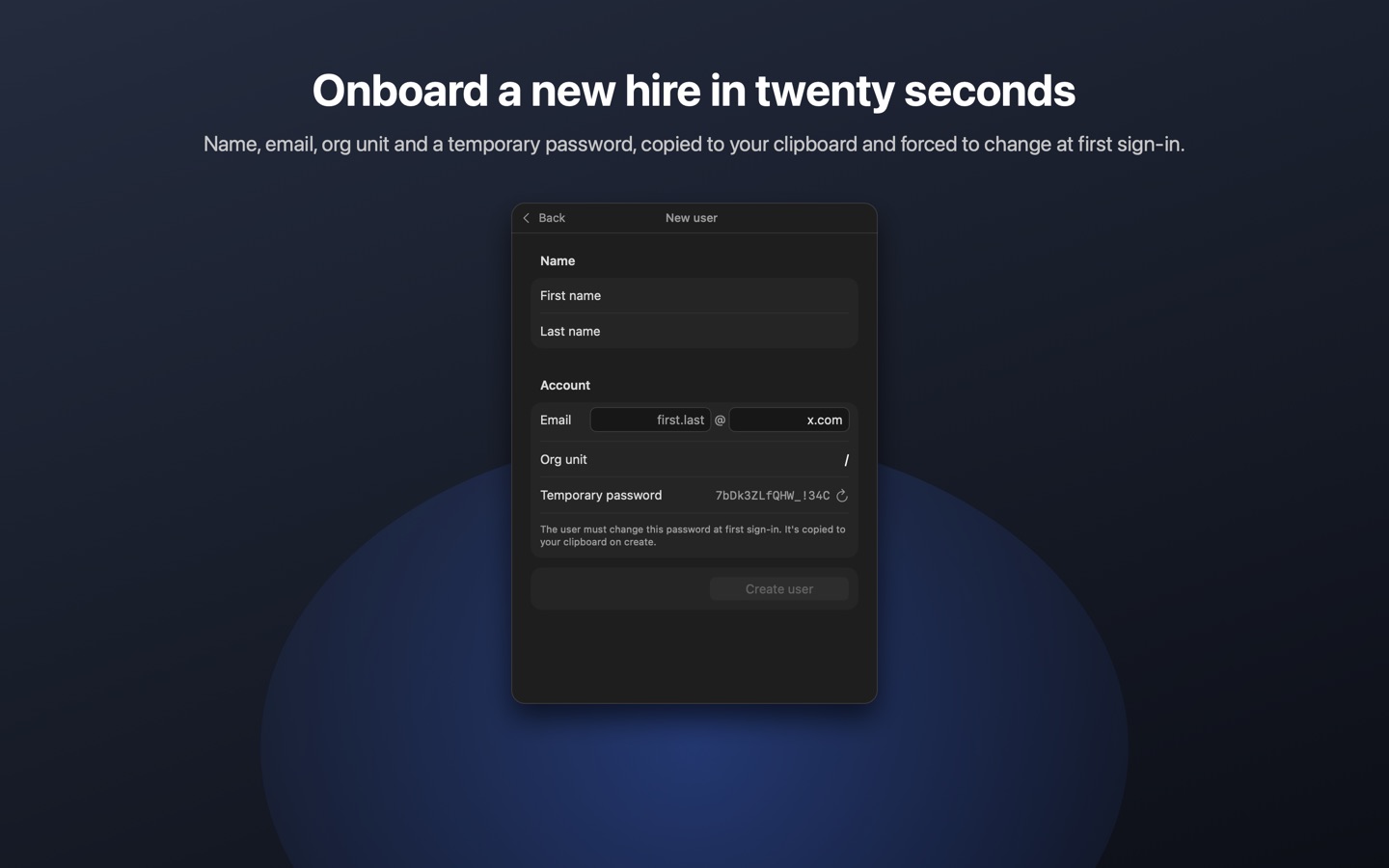
Rollcall is a native macOS app for IT admins who find the web Admin Console slow. Click the menu-bar icon, type a name, and you're looking at the user's org unit, last login, 2-Step Verification status, suspension state and groups. Suspend, restore, reset a password or sign them out of every session in two clicks, each one confirmed first.
- Instant search across your whole directory
- Dashboard: total users, suspended, and users with 2SV off
- Actions: Suspend / Restore, Reset password, Sign out all sessions
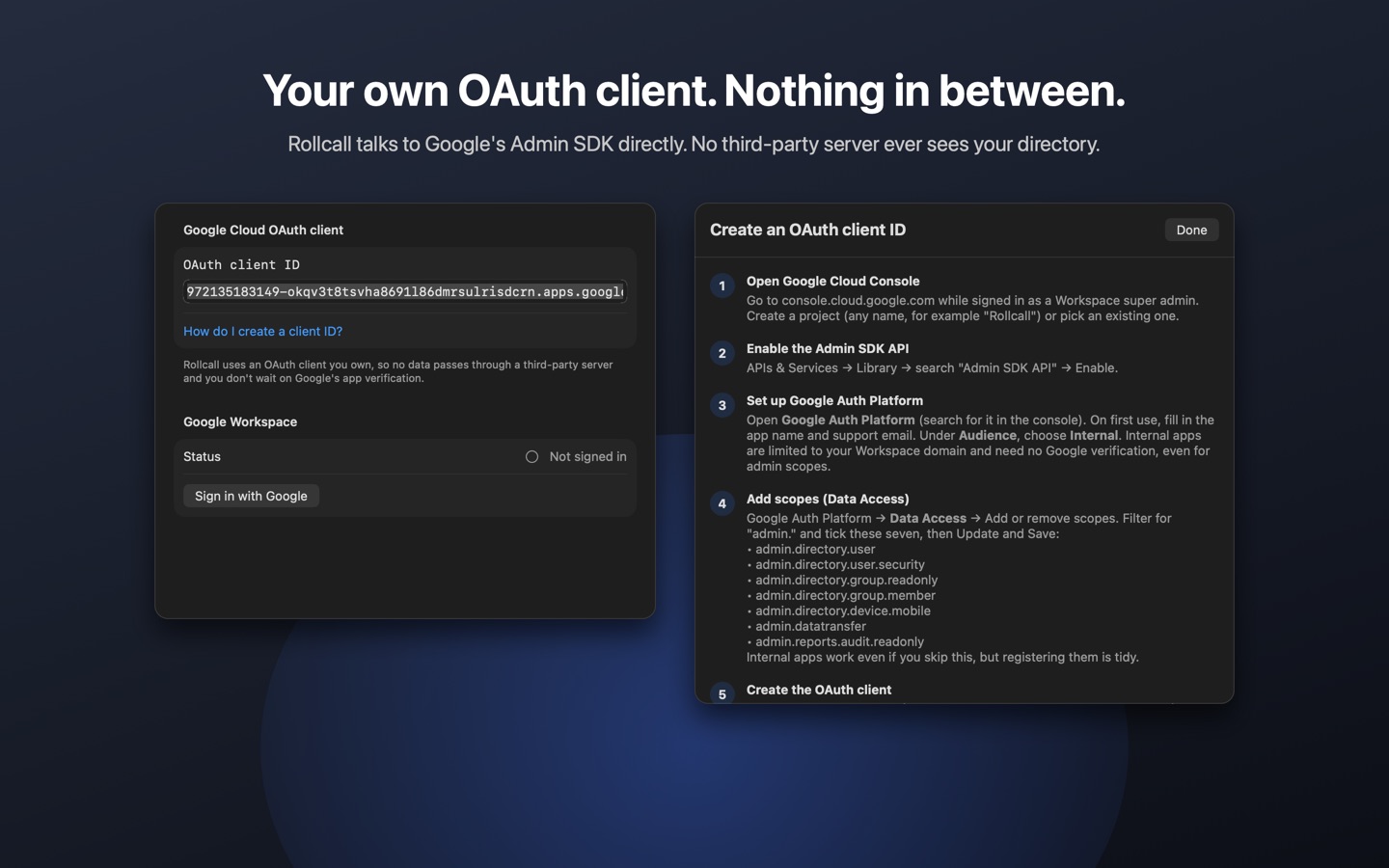
- Uses an OAuth client you own. Rollcall talks to Google's Admin SDK directly; no third-party server ever sees your directory.
Search and read are free. Actions unlock with a one-time Rollcall Pro purchase after a 7-day trial. No subscription.
Setup
Rollcall needs an OAuth client ID from your own Google Cloud project. The app walks you through it (Settings → Account → "How do I create a client ID?"). In short: create an Internal OAuth consent screen, enable the Admin SDK API, add the four admin.directory / admin.reports scopes, and create an iOS-type OAuth client. Internal apps need no Google verification.
Support
Please include your macOS version and, for sign-in problems, the exact error text shown in Settings → Account.
Rollcall is not affiliated with or endorsed by Google LLC. Google Workspace is a trademark of Google LLC.