

Shoreline: DO Cloud Monitor
Your DigitalOcean team, in the Mac menu bar.
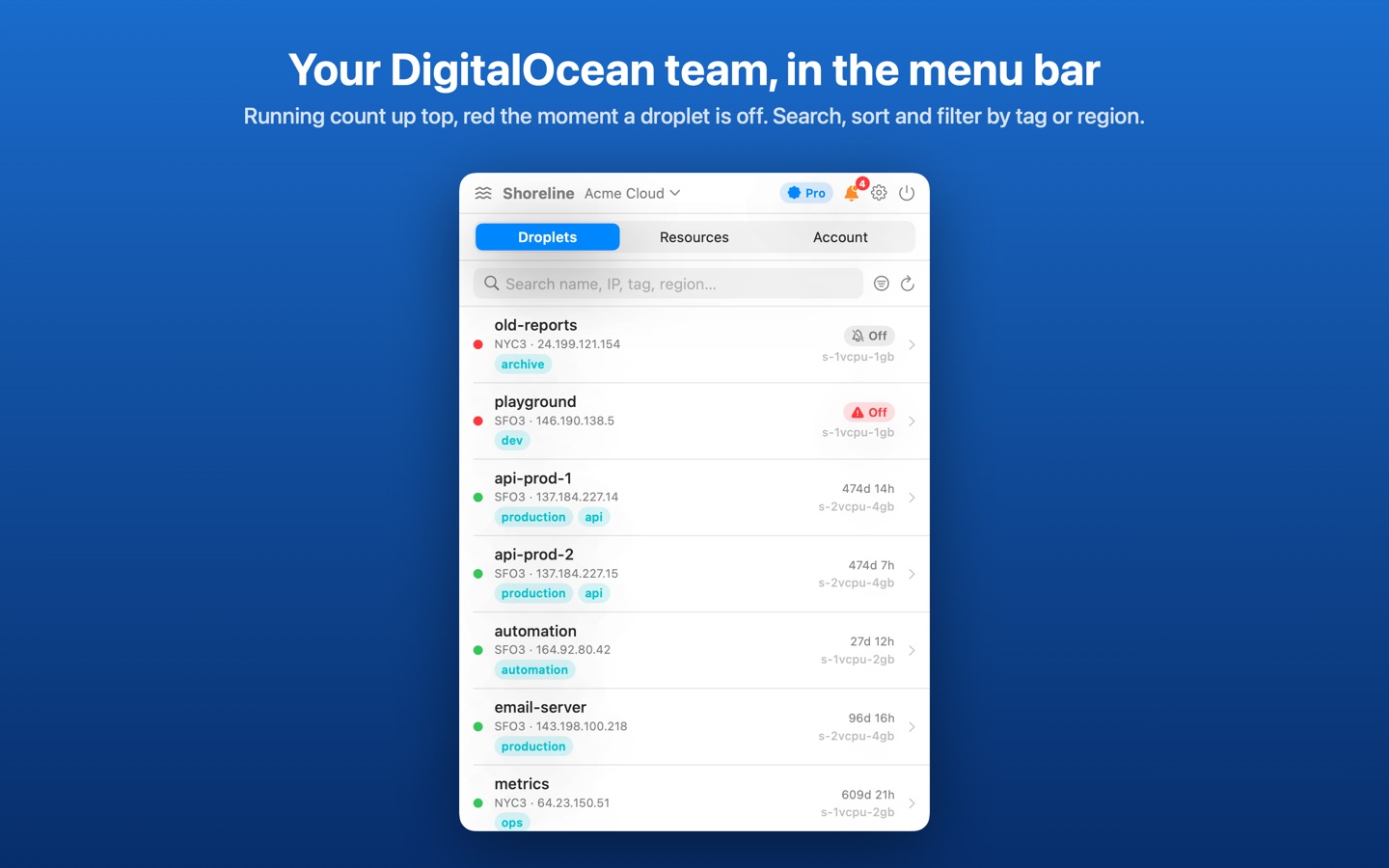
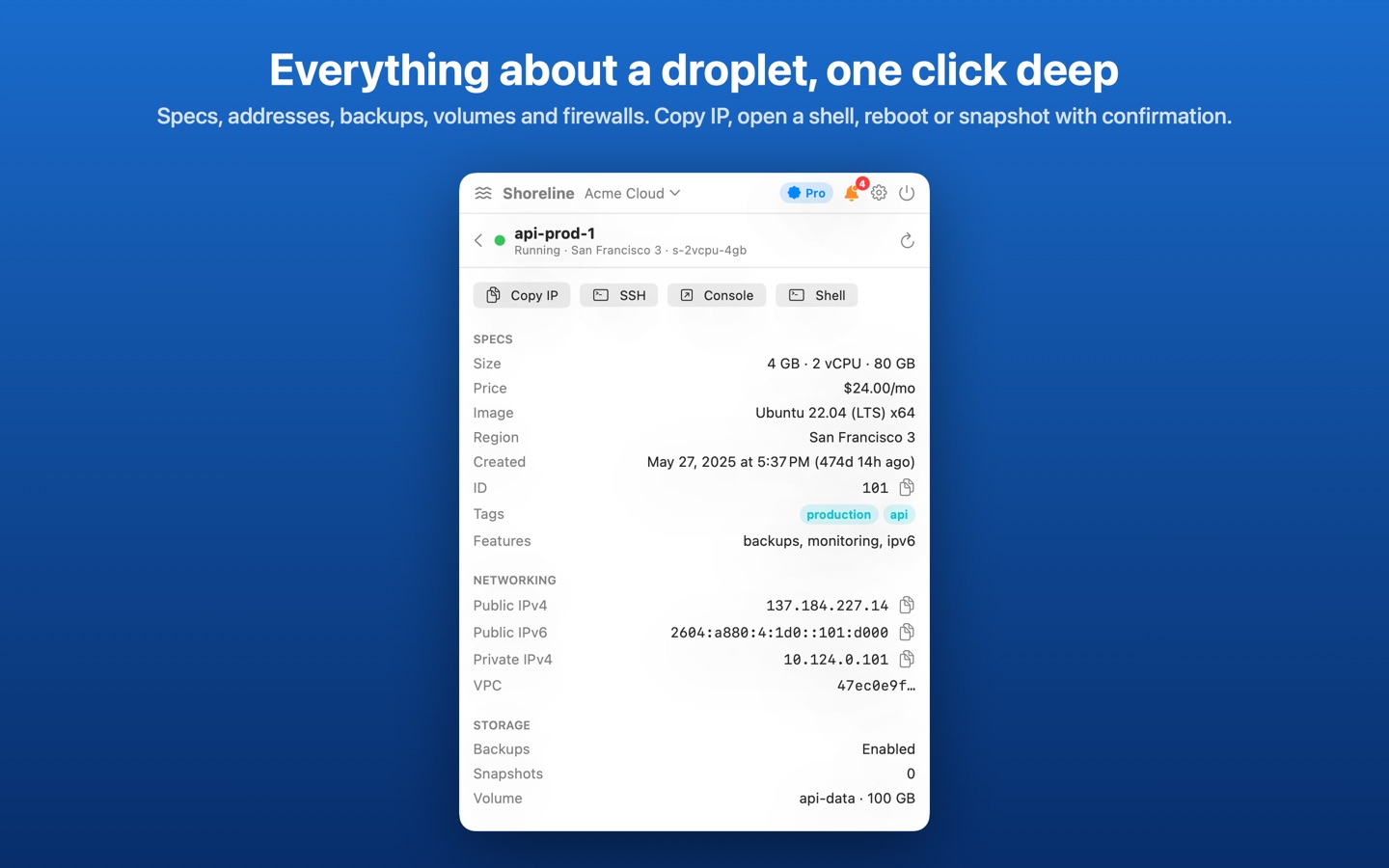
Shoreline checks your team every minute and keeps the running/total droplet count in the menu bar, turning red the moment a droplet is off or the account can't be reached. Click it for every droplet with status, region, size, IP, tags and age; drill in for specs, addresses, firewalls, volumes and 24-hour charts.
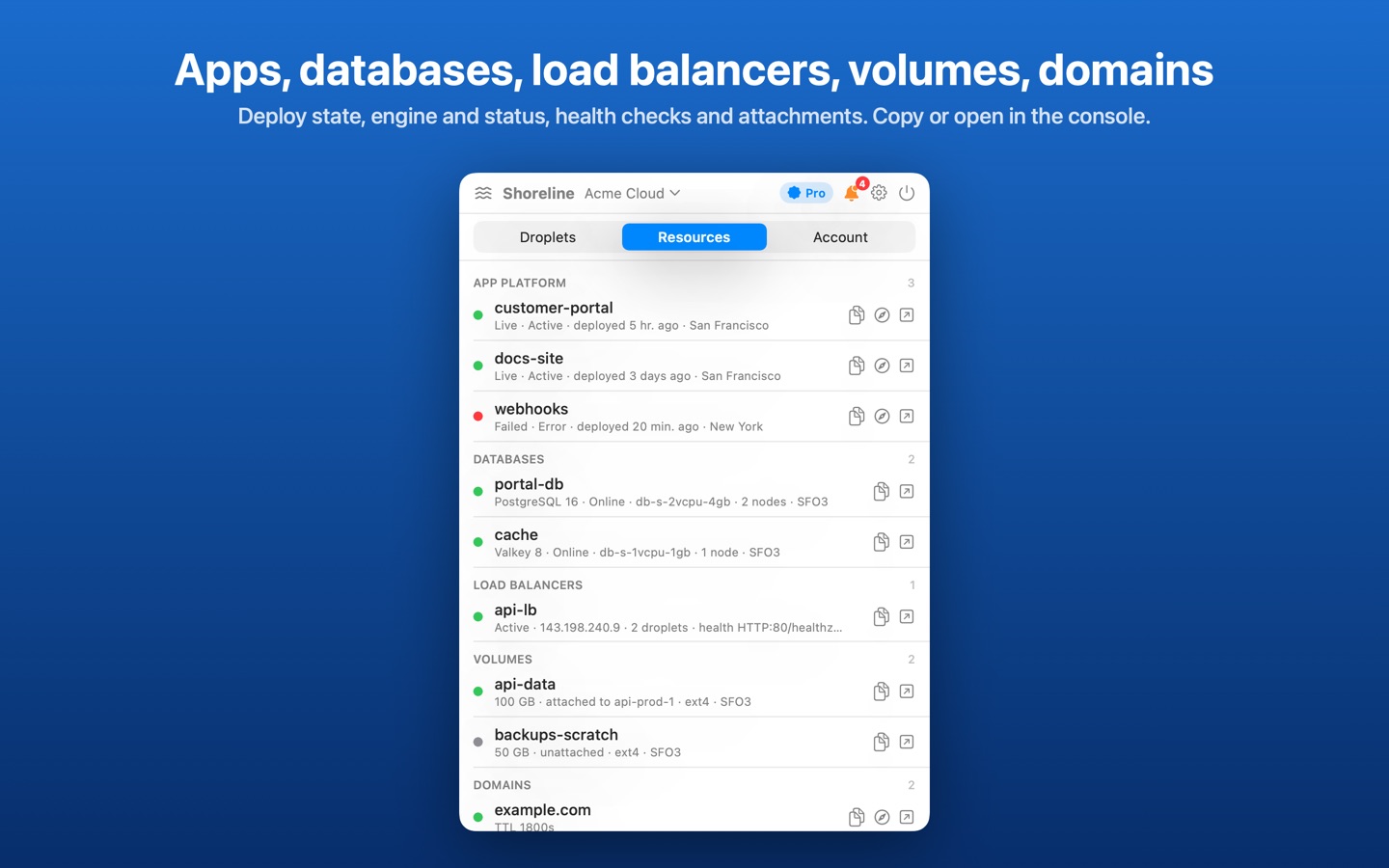
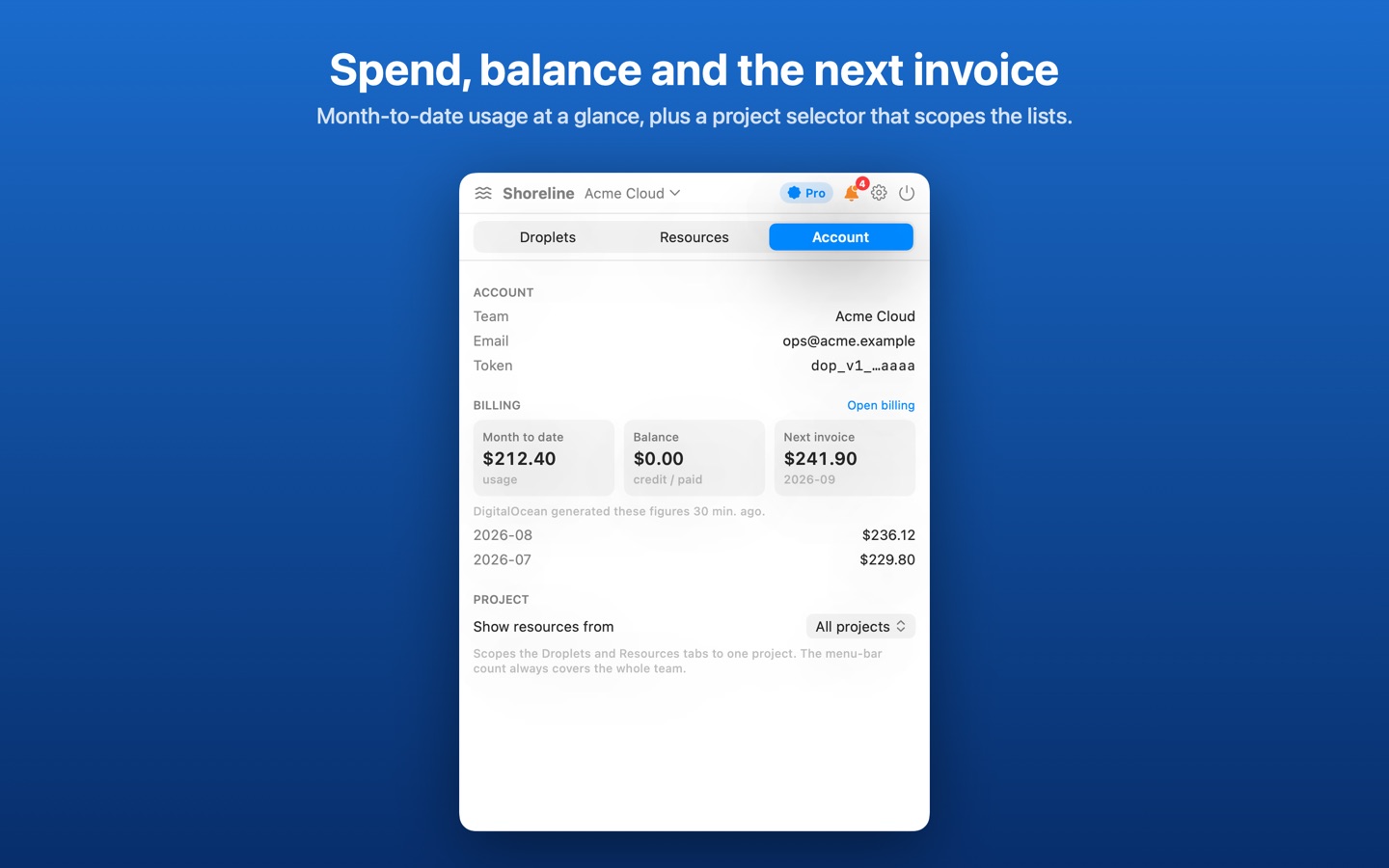
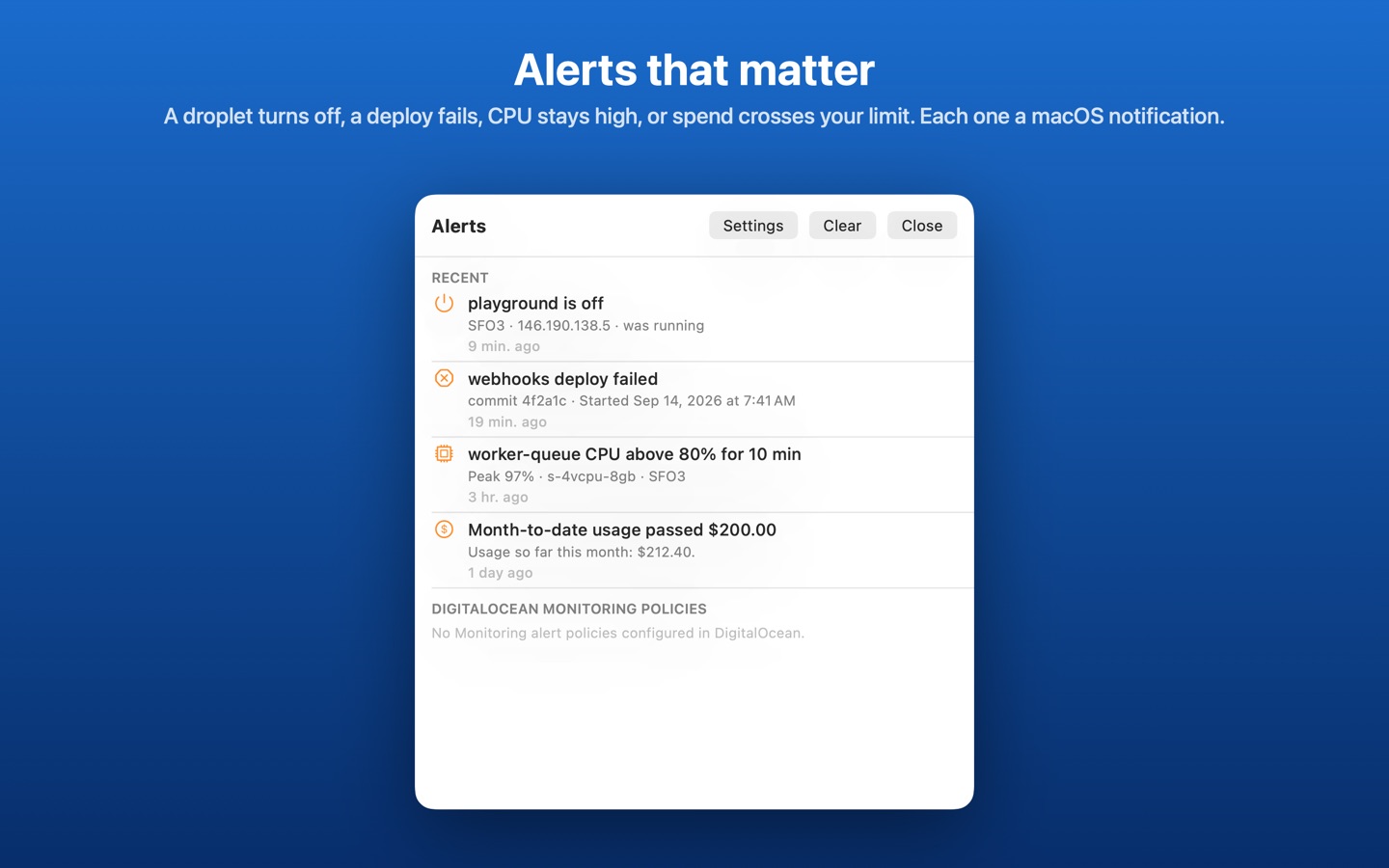
Apps, managed databases, load balancers, volumes and domains are listed read-only, the Account tab shows month-to-date usage and the next invoice estimate, and alerts tell you when a droplet turns off, a deploy fails, CPU stays high or spend crosses your limit.
- Droplet count and health right in the menu bar
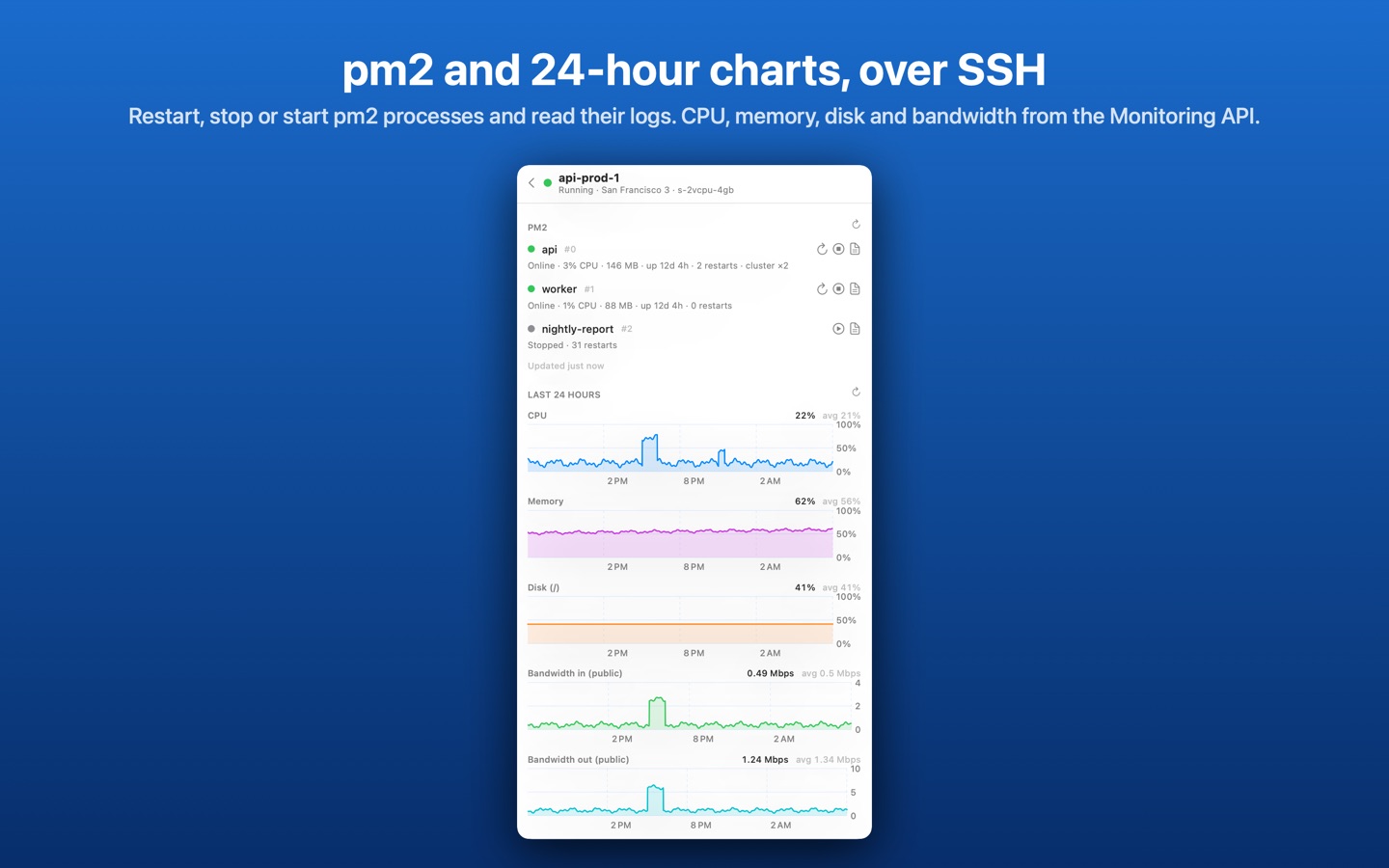
- Droplet details: specs, addresses, firewalls, volumes and 24-hour charts
- Read-only views of apps, managed databases, load balancers, volumes and domains
- Month-to-date usage and next invoice estimate
- Pro: multiple accounts, droplet actions (reboot, power, snapshot, backups), charts, alerts, a pm2 panel and an in-app terminal over SSH
Shoreline Pro is a one-time purchase. No subscription.
Setup
- In DigitalOcean, open API → Tokens → Generate New Token, choose Custom Scopes and select the read scopes:
account:read droplet:read app:read database:read load_balancer:read block_storage:read domain:read firewall:read project:read monitoring:read billing:read. For actions adddroplet:update image:create actions:read. - In Shoreline, open Settings → Accounts, paste the token and click Save & Connect. The token is stored in your macOS Keychain.
- For the pm2 panel and terminal, add an SSH key or password for the team under Settings → Accounts → SSH….
Support
Include your macOS version and what you saw in the popover.
Shoreline is an independent app and is not affiliated with or endorsed by DigitalOcean, LLC. DigitalOcean is a trademark of DigitalOcean, LLC.