
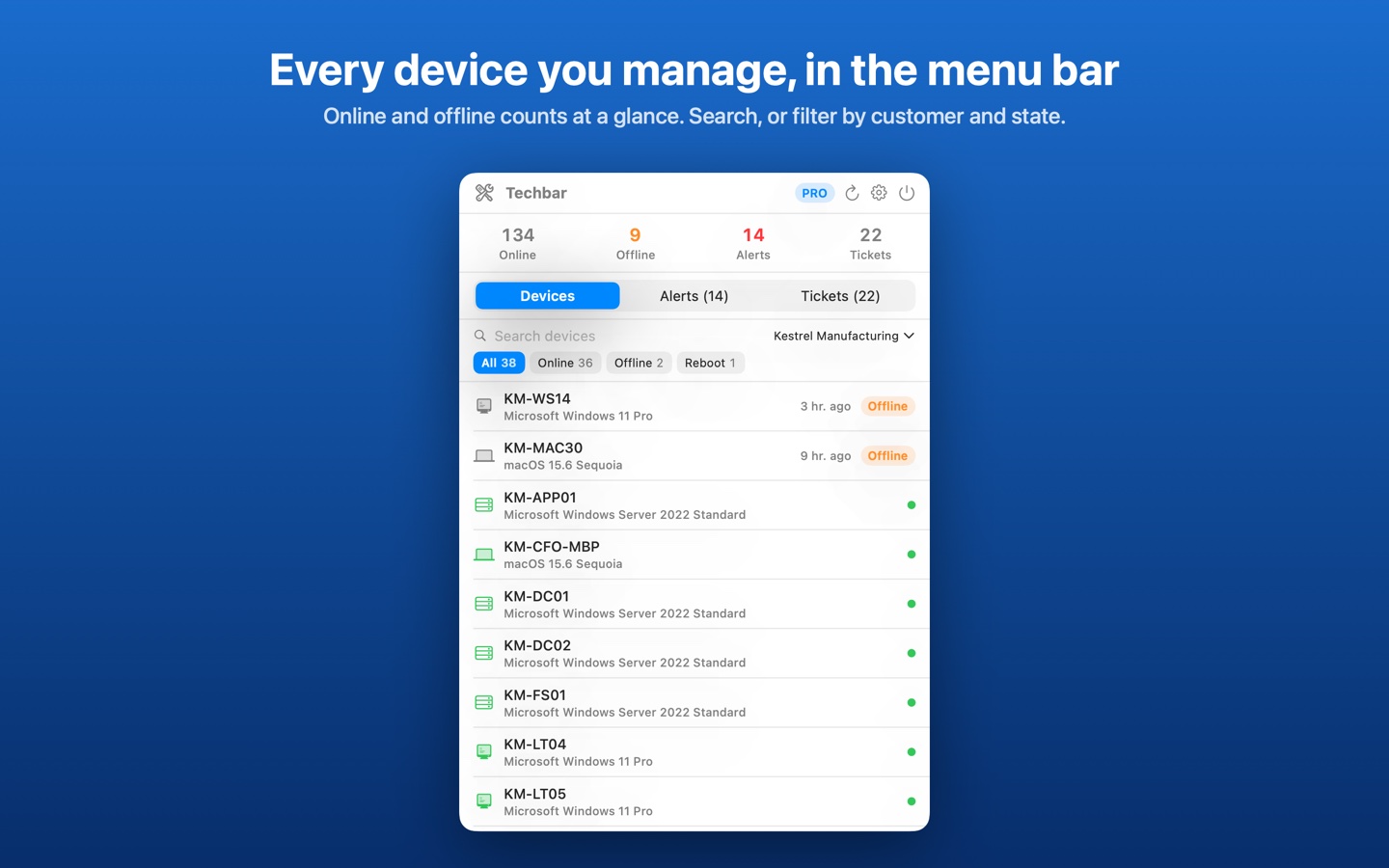
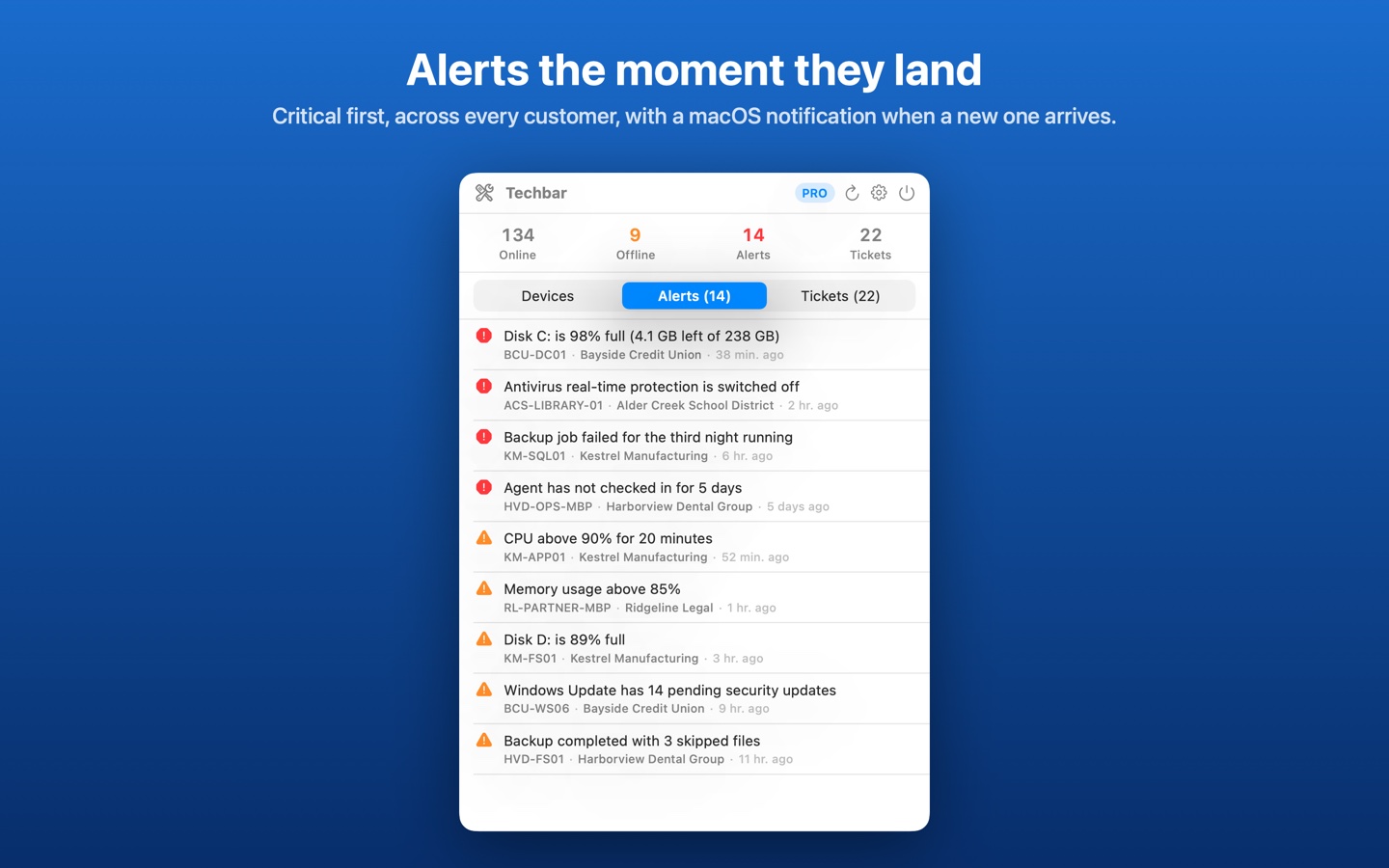
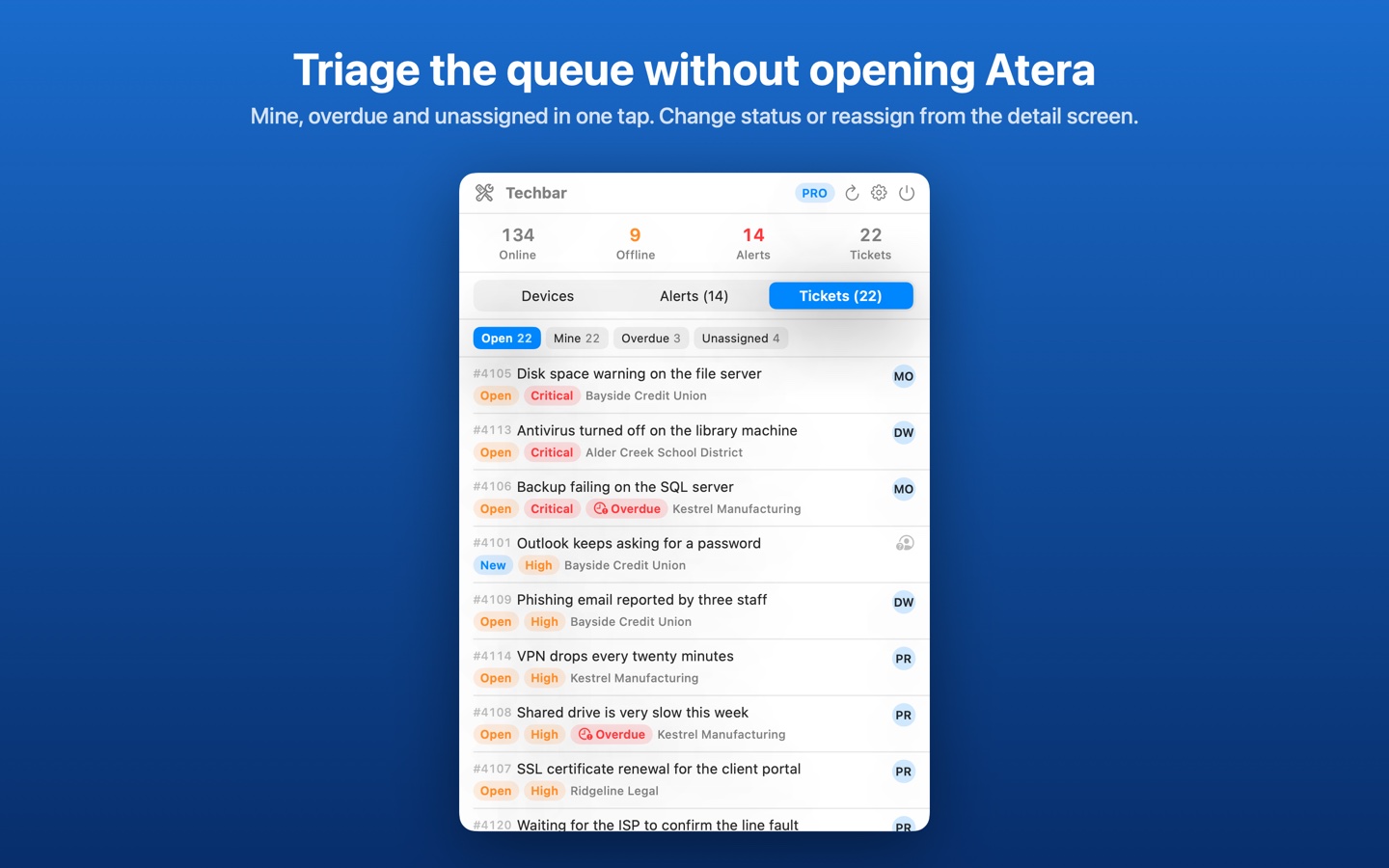
Atera lives in a browser tab, and the tab is never the one you have open. Techbar puts your tenant in the Mac menu bar: every device across your customers with what's offline or waiting on a reboot, every open alert critical first, and the ticket queue filtered to what's yours, overdue or unassigned. A new alert arrives as a macOS notification; a ticket can be reassigned or moved on without opening Atera.
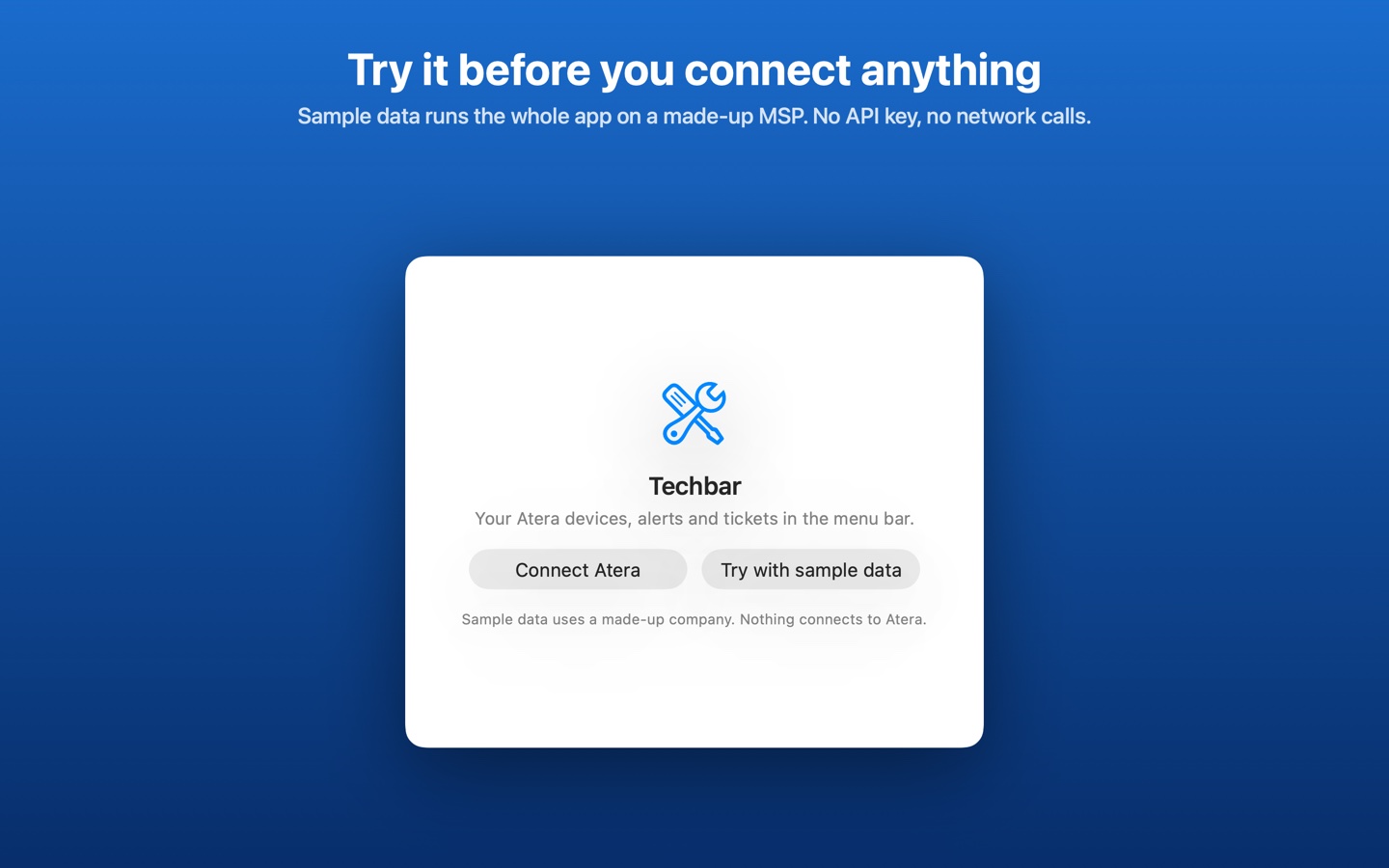
It's built for MSP technicians and IT admins who work in Atera all day. No Atera key to hand, or still on an Atera trial with the API switched off? Click Try with sample data and the whole app runs on a made-up MSP, clearly labelled, with nothing sent anywhere.
- Every device across all your customers, with online and offline counts; search by name, address or customer and filter to offline or reboot pending
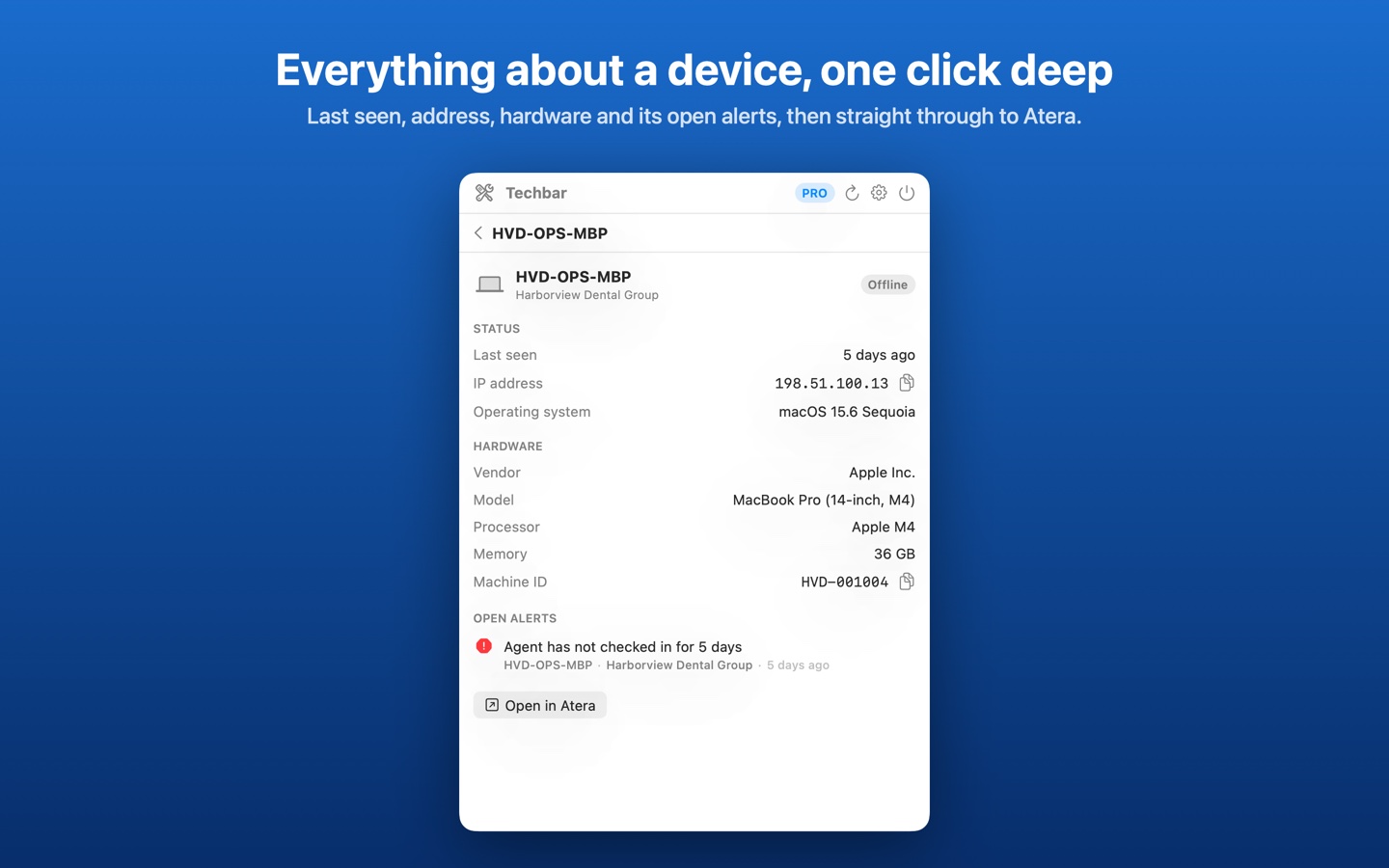
- Device detail: last seen, IP address, operating system, hardware and open alerts, with Open in Atera
- Pro: every open alert, critical first, with a macOS notification when a new one lands and a severity threshold
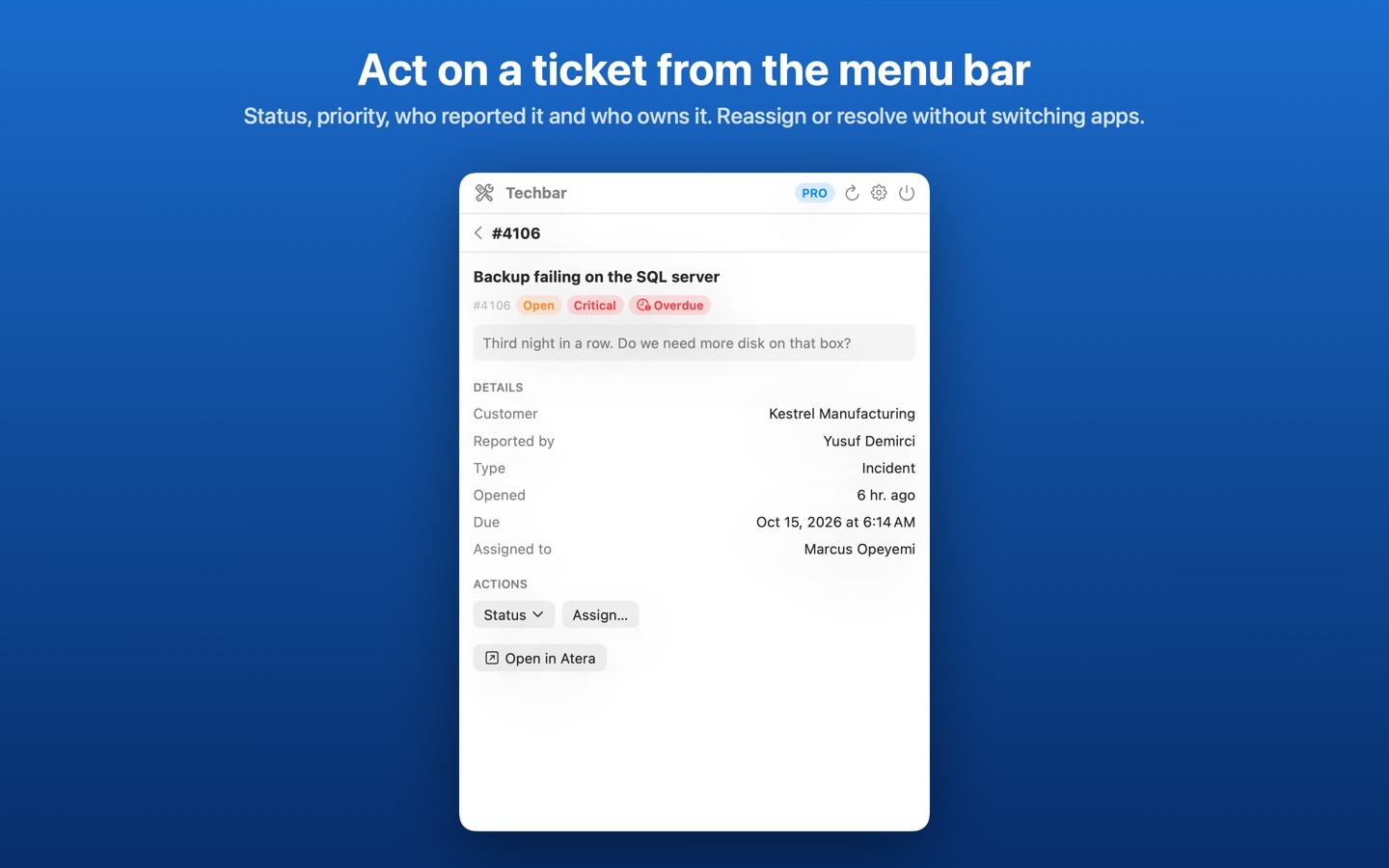
- Pro: the ticket queue with Open, Mine, Overdue and Unassigned filters
- Pro: change a ticket's status, reassign it, or dismiss an alert from the menu bar
- Try with sample data: a fictional MSP with 6 customers, about 140 devices, 14 alerts and 22 tickets, every feature on, no network calls
- Private: your API key stays in the macOS Keychain and Techbar talks only to Atera. No account with us, no server, no analytics.
Free to see every device across all your customers. Techbar Pro is $1.99/month or $5.99/year with a two-week free trial, or $12.99 once for Lifetime.
Getting started
In Atera, open Admin → API and create an API key (or copy an existing one). Open Techbar, click the crossed tools in the menu bar, choose Connect Atera and paste the key. Techbar checks it with Atera before saving it to your Keychain, then loads your devices, alerts and tickets and refreshes every five minutes (change it in Settings → General).
To look around first, choose Try with sample data instead. You can switch between your account and the sample data at any time in Settings → Data source; switching never deletes your saved key. Set who you are in Settings → General so the Mine filter shows your tickets.
Common questions
- Does Techbar change anything in Atera?
- Only when you ask it to: changing a ticket's status, reassigning a ticket or dismissing an alert sends that one change to Atera. Everything else is read-only. On sample data nothing is sent anywhere.
- Atera says my API key is invalid. What now?
- Atera tokens expire, and are revoked when they're regenerated or the technician account is disabled. Check the token is still active in Atera → Admin → API, or create a new one and paste it in Settings → Data source → Replace key.
- Why is the technician list only people with tickets?
- Atera's API has no endpoint for technicians, so Techbar builds the list from whoever is already assigned to a ticket. That covers the Mine filter and reassigning between people working the queue.
- Is Techbar made by Atera?
- No. Techbar is made by Dakabi LLC and is not affiliated with or endorsed by Atera Networks Ltd. It uses Atera's public API with your own key.
Support
Please include your macOS version and, for a connection problem, the error Techbar shows (never your API key).